Navigation Hotspots in interactive video bugs
I create my H5P content with WordPress. I use interactive videos.
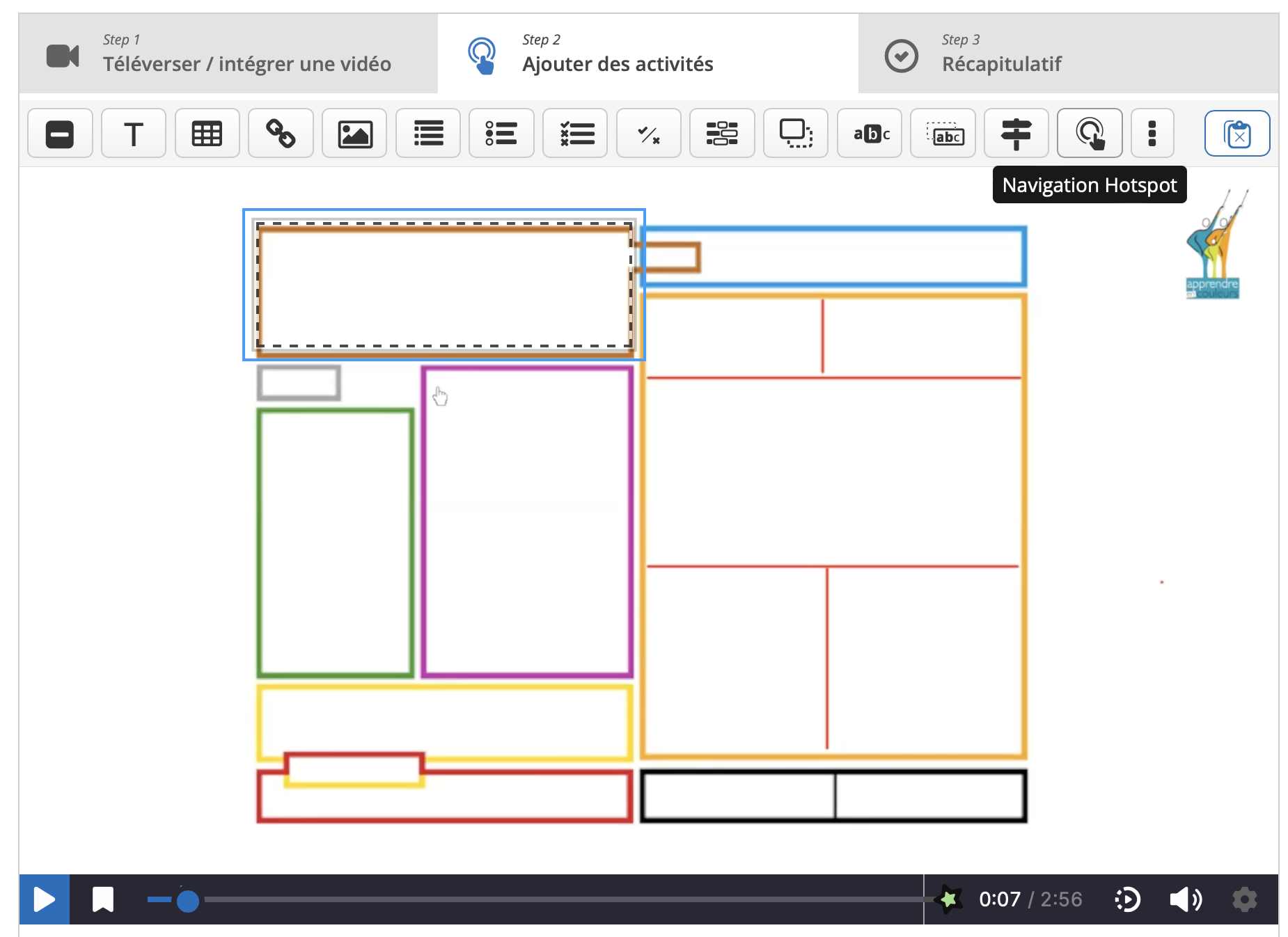
Before, the video stayed paused until the user clicked inside the hotspot rectangle. Recently, when I insert a "navigation hotspot" to jump to a later point in the video, if a user clicks outside the hotspot rectangle, the video resumes playing instead of staying paused.
I tried creating a new interactive video and inserting a new navigation hotspot, and the issue is the same. If the user clicks outside the hotspot, the video automatically resumes playing instead of remaining paused.
The issue is the same on both Firefox and Safari in my mac book pro.
I created 70 activities in my self-paced training module that use navigation hotspots, and this is a major issue because the users’ progression flow is now completely broken.
Thank you for your help



otacke
Thu, 05/21/2026 - 16:26
Permalink
Hi!I am not certain that this
Hi!
I am not certain that this qualifies as a bug.
The change results from the "tap to play/pause" feature that was introduced in April for videos that you uploaded yourself. It allows the user to play/pause the video by clicking on the video as it has always been the case for videos that are hosted on YouTube or Vimeo. That behavior is now consistent across video types.
In other words: Before that change, the behavior depended on the type of video that was used: When clicking on the video it would not play/pause when you had uploaded the video, but play/pause if you were using a video hosted on YouTube/Vimeo. So, it was rather "coincidence" that the behavior was as you expect it to be.
I am not saying this could not be altered in a way that when a navigation hotspot is showing, access to the video is blocked for all type of videos. Just saying that you were relying on behavior that was never guaranteed.
I am not part of H5P Group by the way, so I can't comment on whether or when that will be changed.
Cheers,
Oliver
Academilie
Wed, 05/27/2026 - 20:00
Permalink
Hello Oliver,Thank you for
Hello Oliver,
Thank you for your explanation. However, I believe there is still an issue specifically with navigation hotspots that are intended to redirect the learner either to another point in the video or to another page.
I use interactive videos with navigation hotspots as mandatory navigation steps. The purpose is to pause the video and require the learner to choose a specific hotspot before continuing. Since the recent change, when the navigation hotspot is displayed, clicking anywhere outside the hotspot area resumes the video playback instead of keeping the video paused. This means learners can unintentionally bypass the navigation interaction entirely.
The problem is not simply that the video can now play/pause on click, but that the navigation hotspot no longer effectively controls the learner’s progression flow.
Best regards,
Emilie
otacke
Wed, 05/27/2026 - 20:41
Permalink
I got that. As I tried to
I got that. As I tried to explain, the behavior that you describe as progression control only ever worked for videos played by the browser's HTML player, not for YouTube or Vimeo or others - so not necessarily by design.
Be that as it may, I am not part of H5P Group anyway, so I am the wrong person to argue with. I merely tried to give an explanation of what happened.
Please feel free to sponsor H5P Group to change this.
BV52
Thu, 05/28/2026 - 01:23
Permalink
Hi Emilie,I don't know if the
Hi Emilie,
I don't know if the change was intentional so that the beahaviour will be consistent accross all video sources. I suggest that you ask through our matrix channel https://matrix.to/#/#h5p-open-source:matrix.org.
-BV
Academilie
Thu, 05/28/2026 - 18:28
Permalink
Thank you for your responses.
Thank you for your responses. I also just noticed that the navigation hotspot does not disappear according to the timing we set. It stays on screen longer. If there are multiple hotspots in sequence, it results in poor navigation. Do you have a solution? Before the update, it was very precise.
Thanks to the community H5P
BV52
Fri, 05/29/2026 - 18:13
Permalink
Hi Emilie,Can you please
Hi Emilie,
Can you please share a sample content?
-BV