Image hotspots layout issues in interactive book
Hi,
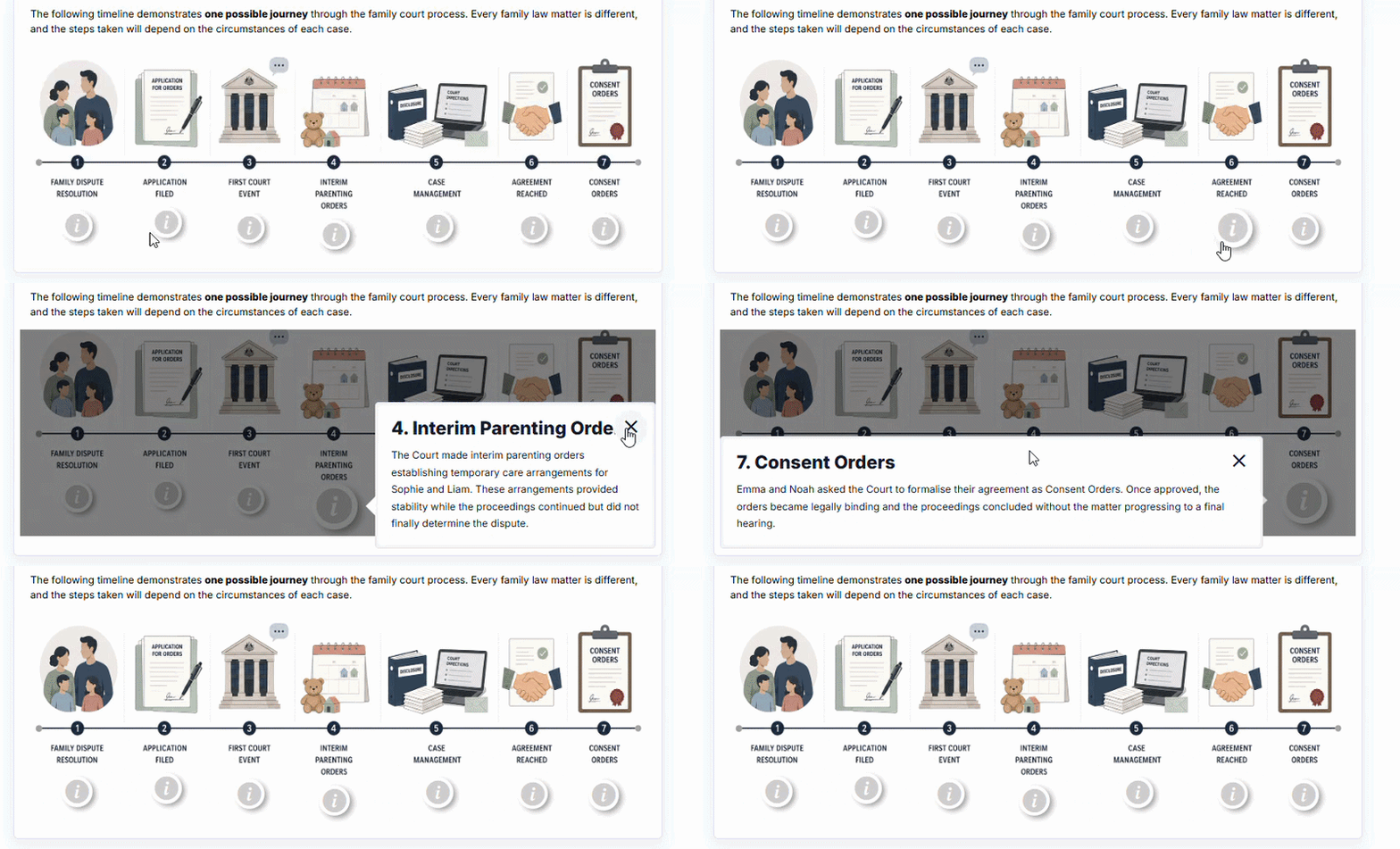
I've noticed two layout issues when using Image Hotspots inside an Interactive Book. I've attached a screen recording demonstrating both.
The first issue is that each time a hotspot is opened, the background image shifts slightly upwards. The movement is only a few pixels, but it's noticeable and happens consistently whenever a hotspot is opened.
The second issue is that if a hotspot has a longer title, the close (×) button overlaps the title text, making part of the title difficult to read.
Steps to reproduce
- Create an Interactive Book.
- Add an Image Hotspots page.
- Add a few hotspots (using a longer title will demonstrate the second issue).
- Preview the Interactive Book.
- Open different hotspots.
Environment
- Moodle 4.5.12
- Interactive Book 1.15.0
I also found this previous forum post which appears to describe a similar image shifting issue:
https://h5p.org/node/1490167
I'm not sure if it's the same issue, but I'm still seeing the image shift with the versions above.
Sorry for double issue post but i thought as they were both happening in same instance it made sense to just do one post.
Let me know if i can provide any more info.


BV52
Tue, 07/28/2026 - 22:50
Permalink
Hi dianananana,These are
Hi dianananana,
These are known issues but we don't know when these will be prioritized.
-BV
dianananana
Tue, 07/28/2026 - 23:38
Permalink
Hi BV, No worries, thank you
Hi BV,
No worries, thank you for letting me know!
Diana
dianananana
Wed, 07/29/2026 - 03:32
Permalink
Hey BV, Just wanted to add
Hey BV,
Just wanted to add that i also noticed this jumping behaviour in accordions. Whenever one is opened, it jumps a few px to the left and then back. It also brings up the scroll bar, so i wonder if its to do with auto resizing of the whole page when its opened?
No need to reply just wanted to let you guys know.
Cheers,
Diana
BV52
Wed, 07/29/2026 - 22:54
Permalink
Hi Diana,Do you have a sample
Hi Diana,
Do you have a sample content and a video to show the issue? I am unable to reproduce the issue on my end.
-BV
dianananana
Thu, 07/30/2026 - 01:49
Permalink
Hey BV, Sure, i made a sample
Hey BV,
Sure, i made a sample h5p where this is happening. In there i put some videos of the behaviour on my end, let me know if you want me to send those to you directly.
Let me know if i can provide any extra info.
Kind regards,
Diana
kquirosd
Thu, 08/20/2026 - 19:16
Permalink
Problemas con Image Hotspot
Hola agradezco su ayuda:
Desde ayer 19 de agosto de 2026, he tenido problemas con los recursos creados con la herramienta Image hotspot al usar la opción de vídeo y enlazar un vídeo de Youtube, aunque lo configure bien, el vído sale desproporcionado y antes del vídeo coloca un espacio inmensamente grande.
Adjunto una video: https://www.youtube.com/watch?v=t5Ze61tyzEU
BV52
Thu, 08/27/2026 - 18:27
Permalink
Hi kquirosd,If you are still
Hi kquirosd,
If you are still encountering this issue and you are self-hosting your contents please make sure that you are using the latest version of Interactive Video and Video.
On the other hand if you are hosting your contents in H5P.com please provide the URL of the content so that we can check.
-BV